Showing posts with label Ice Blue Stepstick. Show all posts

03 March, 2014

Wiring done + Stepsticks driver current set + Extruder tested + Fried the Sanguinololu?

Wiring done for all three axis and the extruder stepper motors. Also the connections to both thermistors and the extruder heater and heatbed are ok. Still need to connect the fans to the ATX power source. (I connected the extruder fan to a free header on the Sanguinololu but I read this is a bad idea)

Setting the Vref to match my stepper-motor-driver configuration. My calculations don't match my measurements (calculated 2.24Volts and measured max 0.74Volts so my sense resistor value must be way off). But hey, the motors are working fine after some manual tweaking while listening to the motors' sound. I'll check what went wrong with the calculations later to fine tune the driver current...

This video shows the X & Z axis move during a test with Pronterface (the Z-axis moves really slow, this is normal).


Another milestone in the building process: To test the extruder I heated up the hotend gradually to 290°C and meanwhile extruded some blue PLA using Pronterface.


Open issues that need to be looked at:

Z-axis & Extruder inversion
The Z axis goes UP while going to the home position in Pronterface. Also the exdruder retracts while it's supposed to extrude and vice versa. So I need to reverse my stepper wiring from ABCD to DCBA or change the inversion setting in Configuration.h in the Marlin firmware and upload it to the Sanguinololu again.

Whoooops, I think I might have fried the Sanguinololu board :/
While fine tuning the driver current for the Y-axis i made a short circuit with my multimeter. Now my Y-axis won't move properly. Just when everything was going so good. Stupid me! 


28 February, 2014

Testing the electronics: moving the Y-axis stepper motor

Finally, something is actually 'moving'!

To test the Sanguinololu and the Pololu steppers and the connection to Pronterface I wired up the Y-axis stepper motor. Also had to connected both thermistors (heatbed & hotend), otherwise Pronterface returns errors about low extruder temperatures.

Warning!
The images in this video were extremely exiting for me,
but will be disappointing for any other 'normal' person..

26 February, 2014

Sanguinololu ATX Powered & USB connected to Pronterface

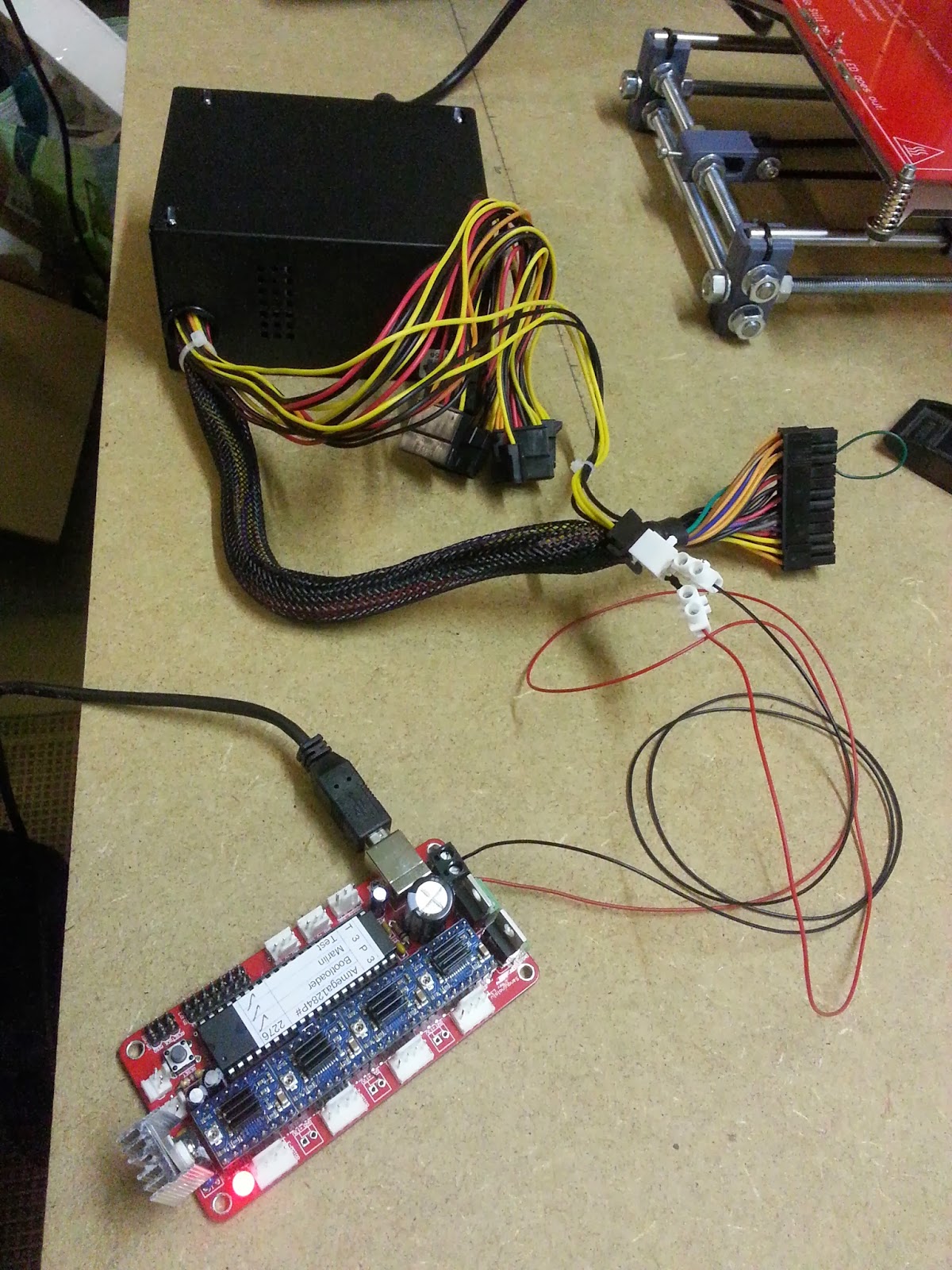
The Sanguinololu board is powered by a 400 Watt ATX power supply.
You really need to short circuit ATX pin 16(green) to ground(black) to enable power(!PWR_ENABLE) on the 4 pin connector.
The USB Connection goes to to a Virtual Serial COM port on the PC.


Started up Pronterface and successfully connected to the "printer" (still need to do all the wiring) using COM port 3 with a 250000 baudrate

The smoke test didn't cause actual smoke so i'm happy!


The Electronics: Sanguinololu with Polulo stepper drivers

The Electronics: a Sanguinololu controller and 4 Pololu Stepper drivers (one for each axis X,Y&Z and one for the Extruder Stepper motor). The Polulo drivers shown here are Ice Blue Stepsticks.

Here the Pololus are mounted on the Sanguinololu. Let's hope we don't blow these up when powering up the Sanguinololu.

Next step: wiring - extend and route all wires to the Sanguinololu board.
(and finding out where the mechanical endstops go for each axis.

This is the Sanguinololu wiring schema:

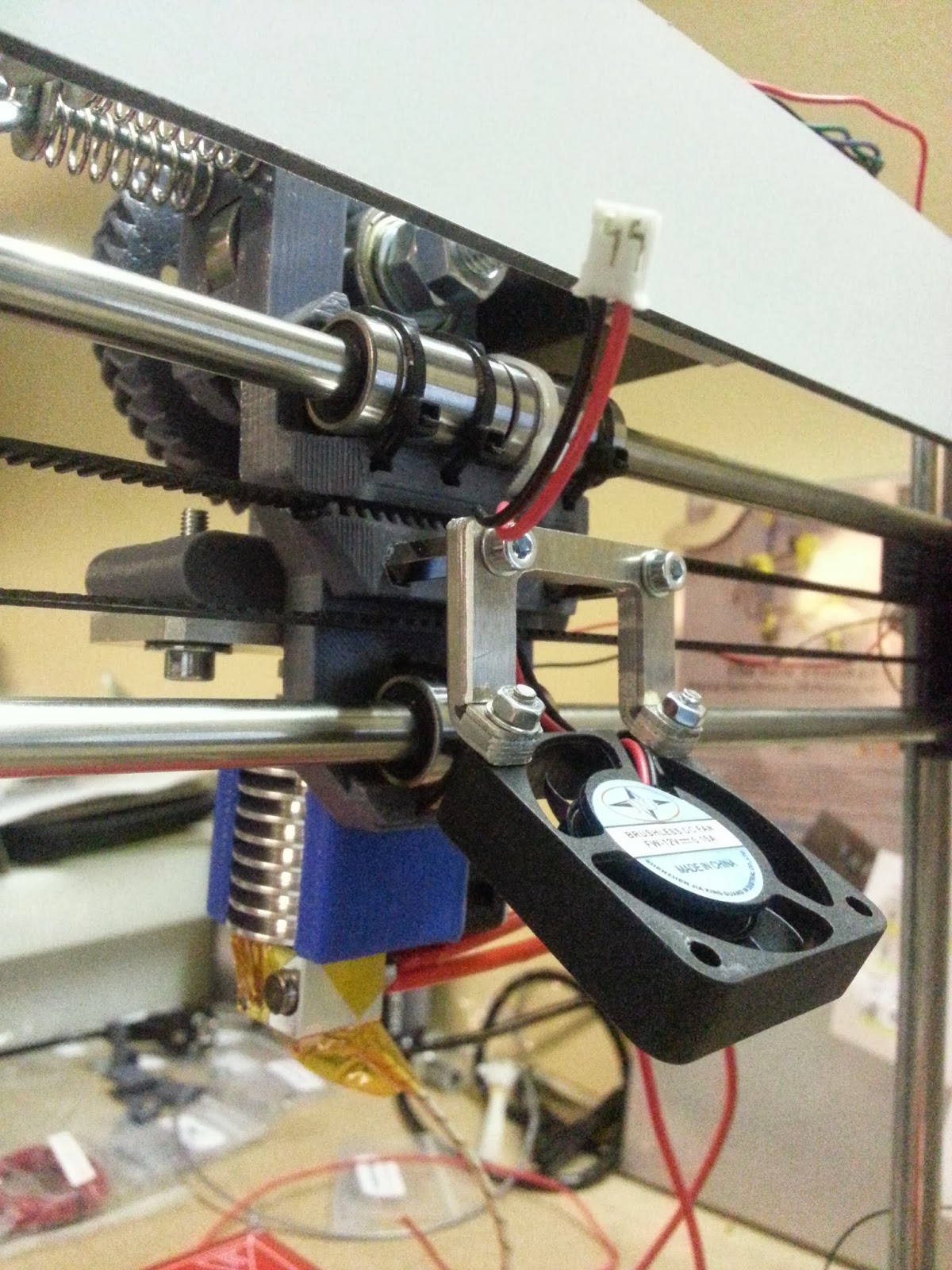
Mounted an extra Fan needed for printing PLA, not needed for printing ABS.